iPhone home screen widgets for your fitness plan.
Put today's workout, protein left, water and your countdown to Future You right on your home screen.
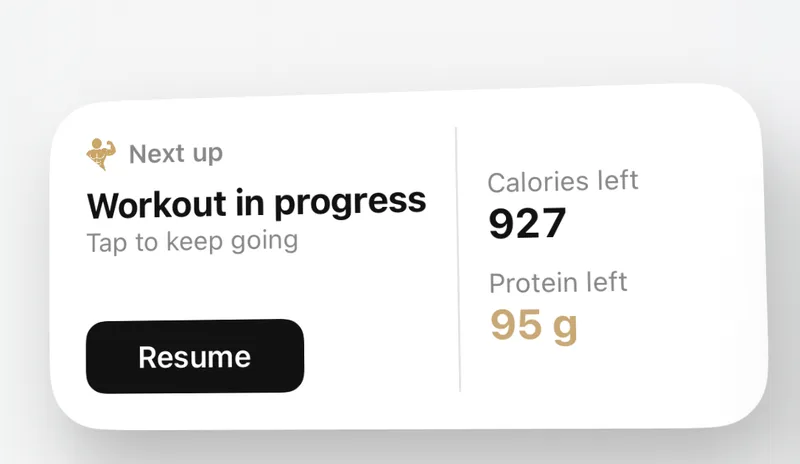
Today's workout
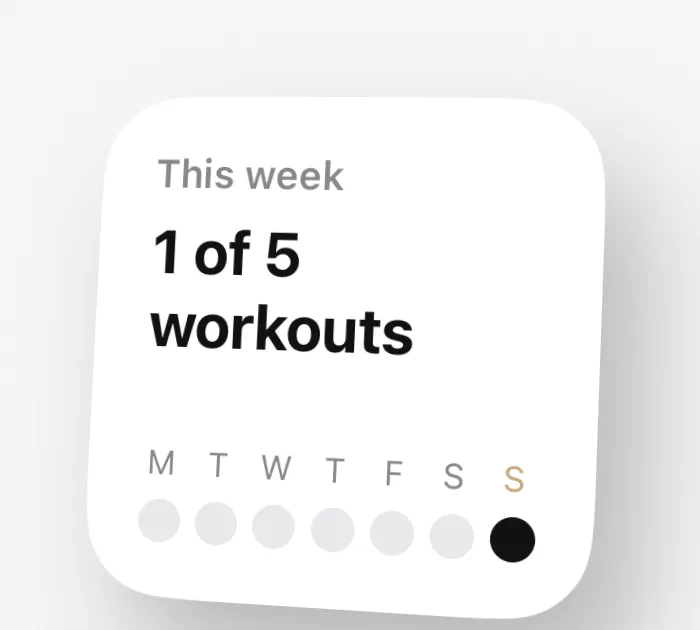
See what is on the plan today and tap to start it. A second widget counts the workouts you have finished this week.
Protein left and water
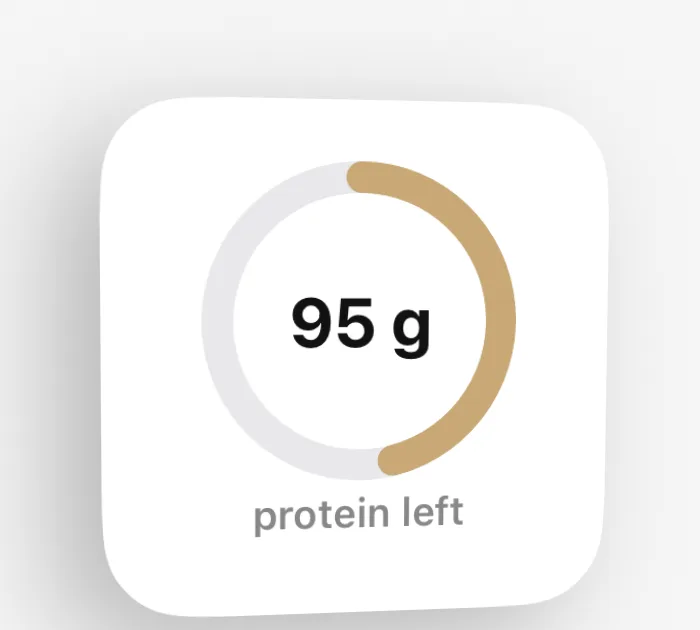
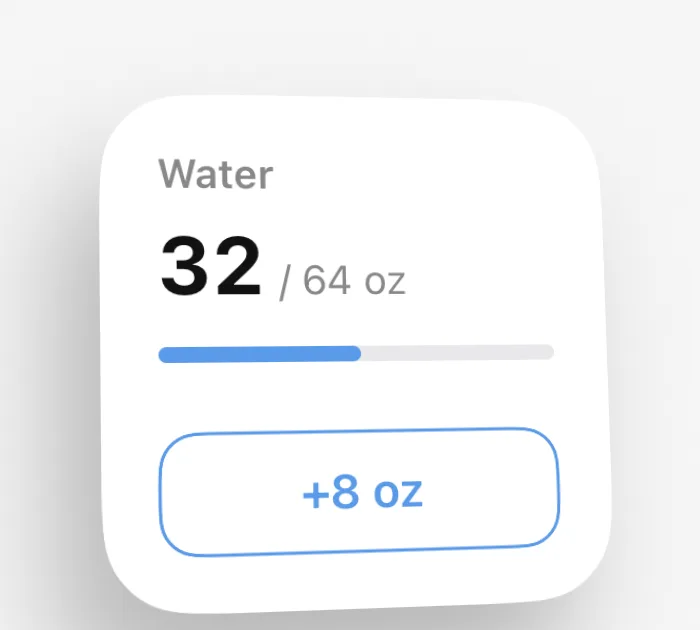
Two small widgets show how much protein you have left and how much water you have had.
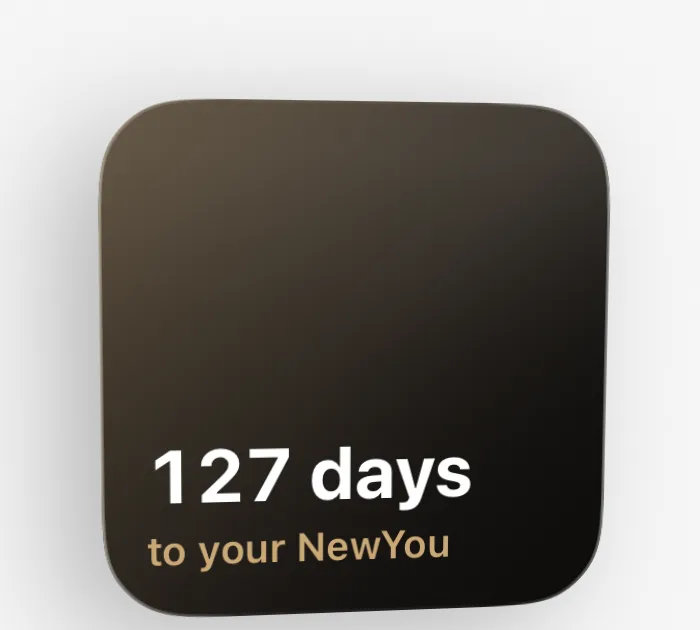
Days to your NewYou
A countdown widget keeps your goal date in sight.
The widgets
There are five NewYou AI widgets.
- Today's workout: what is on the plan today.
- This week: how many workouts you have finished this week.
- Protein left: how much is left to hit your protein target.
- Water: how much you have had today.
- Days to your NewYou: a countdown to your goal date.
Why widgets help
The best habit tools are the ones you do not have to open. A widget turns your home screen into a dashboard, so each time you unlock your phone you see the one number that matters. Seeing protein left at lunch changes what you order. Seeing the workout widget in the morning makes the plan feel real.
How to add a widget
It works the same as any iPhone widget.
- Touch and hold an empty spot on your home screen.
- Tap the plus button and search for NewYou AI.
- Pick a widget and a size, then tap add.
- Place it where you will see it most.
Widgets, Live Activity and the app
Widgets sit on your home screen, and the Live Activity sits on your lock screen. Together they mean you can follow your day without opening the app, then dive in when you want to log something.
Who widgets are for
Widgets are for people who prefer a glance to a tap. They are great if you want today's workout and protein left on your home screen, and they work well as a quiet reminder to log water.
Pairing widgets with the app
Tap a widget to jump straight into the app where it matters. Use the water widget to remember to drink and the workout widget to start training. Everything you log inside the app updates what the widgets show.
Making widgets part of your routine
Put the workout widget on your first home screen page so it is the first thing you see in the morning. Keep the protein widget near your food apps, and pair the water widget with a bottle on your desk. A small nudge at the right moment does more than a long reminder.
NewYou AI is a fitness and habit app, not medical advice. Talk to a clinician before big changes to your diet or training, especially with a health condition.
Frequently asked questions
Which widgets are available?
Today's workout, this week's finished workouts, protein left, water, and days to your NewYou.
Do widgets update on their own?
iOS decides when widgets redraw, so there can be a short delay between logging in the app and the widget updating.
Are there Android widgets?
The widgets described here are iPhone home screen widgets.
Is NewYou AI free?
The app is free to download. Subscribing costs $14.99 a month or $69.99 a year, and both plans start with a 7-day free trial for new subscribers. The pricing page lists the plans and what they include, and you subscribe inside the app.
Related features
Live Activity on the lock screen
Calories left and your workout rest timer on the lock screen and Dynamic Island.
Learn moreMacro tracker: protein, carbs and fat
Track protein, carbs and fat against daily targets and see what is left.
Learn moreWater intake tracker
Log water with quick-add buttons or a custom amount, and see your goal for the day.
Learn morePersonalized workout plans
A weekly schedule built around your goal, plus routines and templates you can reuse.
Learn moreFuture You: AI body transformation preview
Upload one photo and your goal. See an AI picture of you after months of steady work.
Learn moreMeet Future You.
Free to download on iPhone. Android is coming soon.