A barcode food scanner for packaged food.
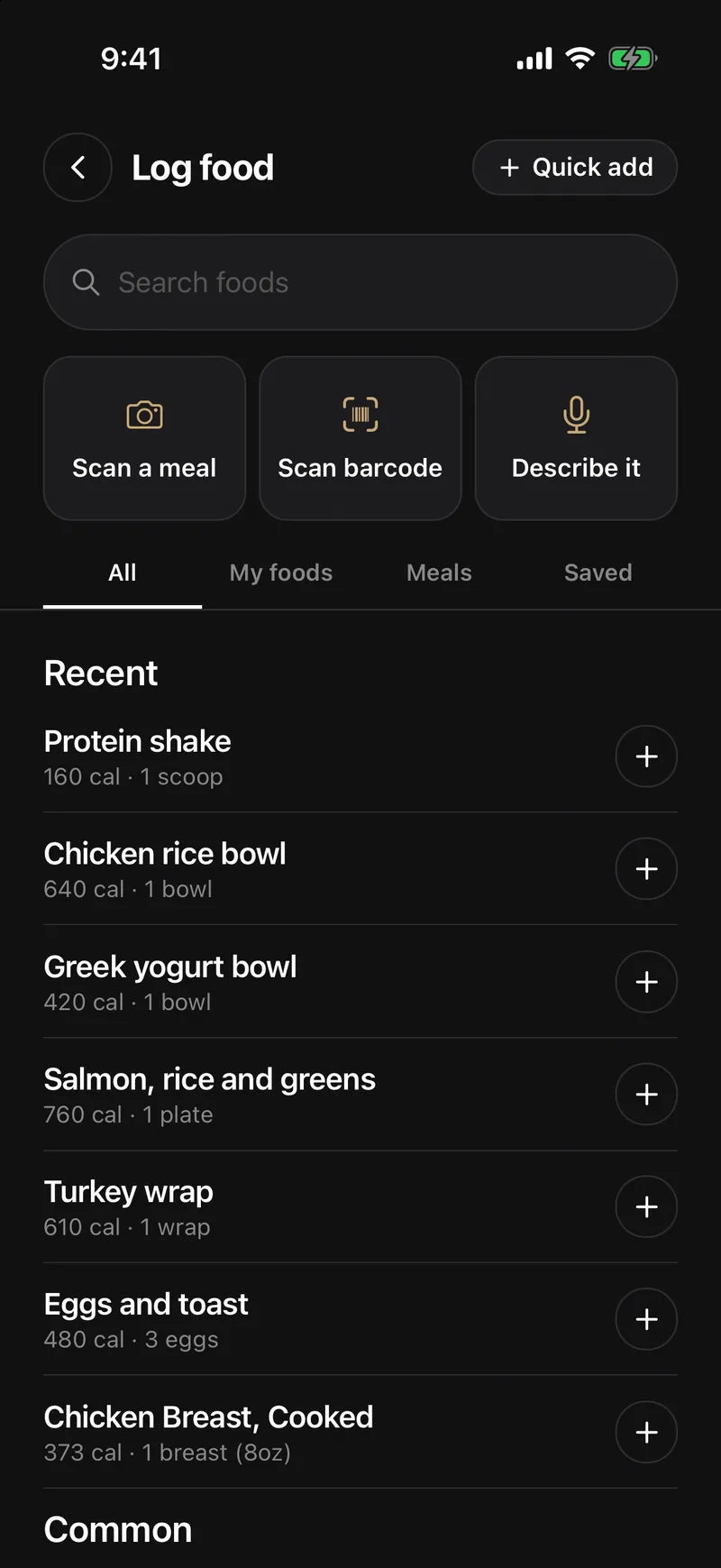
Scan the barcode, set your serving and it is logged with the nutrition facts filled in.
Scan the barcode
Point your camera at the barcode on the package. The product and its nutrition facts load up.
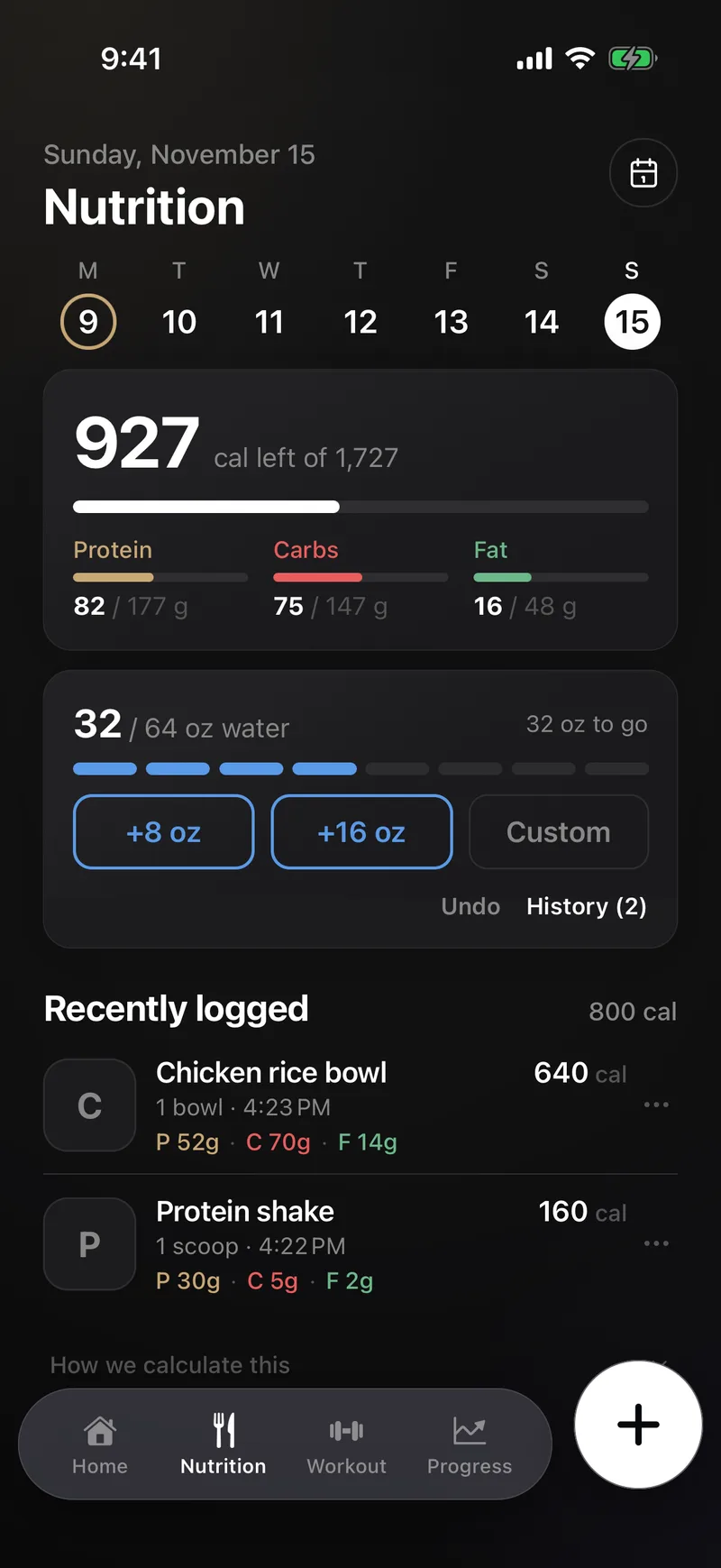
Logged in seconds
Save it and it joins today's calories and macros. Eat the same thing tomorrow and it is quick to find again.
How a barcode food scanner works
Packaged foods carry a barcode that points to a product record. The scanner reads the code, looks up the product and fills in its nutrition facts. You only need to say how much you ate.
That is why barcode scanning is the most accurate way to log packaged food. The numbers come from the product, not an estimate.
How to scan barcodes quickly
A few small habits make it smooth.
- Hold the phone steady and keep the barcode flat and in good light.
- Check the serving size. A bag may be several servings, and it is the most common logging mistake.
- If a product is not found, try the meal photo scanner or describe it in words.
- Scan before you eat, while the package is still in your hand.
Watch the serving size
The nutrition facts on a label are for one serving, and the serving is not always what you ate. If you ate half the bag, set the amount to match. Getting the serving right matters more than anything else when you scan.
Barcode scanning for macros
Because a scan fills in protein, carbs and fat as well as calories, it is the easiest way to keep your macro tracker accurate for packaged foods. For fresh food with no barcode, describe it or scan a meal photo.
Who barcode scanning is for
Barcode scanning is for people who eat a lot of packaged foods, such as protein bars, yogurts, cereals and snacks. It is also the fastest way to log foods you buy repeatedly. If most of your food is fresh or home cooked, you will use it less.
Barcodes and the other ways to log
Use barcodes where they work and switch when they do not. A restaurant meal fits the meal scanner, and a home-cooked dinner fits Describe it. All of them land in the same daily totals.
NewYou AI is a fitness and habit app, not medical advice. Talk to a clinician before big changes to your diet or training, especially with a health condition.
Frequently asked questions
What if the barcode is not found?
Try the meal photo scanner or describe the food in words. You can also use quick add with the numbers from the label.
Does it fill in macros?
Yes. A scan brings in the product's nutrition facts, including protein, carbs and fat.
Can I change the serving size?
Yes. Set how much you ate and the numbers update.
Is a barcode scan more accurate than a photo?
For packaged food, yes. It uses the product's own nutrition facts rather than an estimate.
Related features
AI food scanner: log a meal from a photo
Point the camera at your plate, review what it found, and save.
Learn moreDescribe it: log food by voice or in words
Say or type what you ate in plain words and get a logged meal.
Learn moreMacro tracker: protein, carbs and fat
Track protein, carbs and fat against daily targets and see what is left.
Learn moreCalorie tracker and calorie counter
See calories left today at a glance, on Home and on your lock screen.
Learn moreFood logging
Describe it, say it, scan a meal or a barcode, or quick add. Pick the easiest way each time.
Learn moreMeet Future You.
Free to download on iPhone. Android is coming soon.